

Get API Keys
Complete your entity onboarding in the Consul dashboard, then provision your API keys in the Developer section.Deposit Funds
To send payouts, you need USDC in your Consul wallet. The quickest way is to link a bank account and initiate a deposit from the dashboard via Add Funds or the Move Money dropdown. You’ll receive deposit instructions once complete.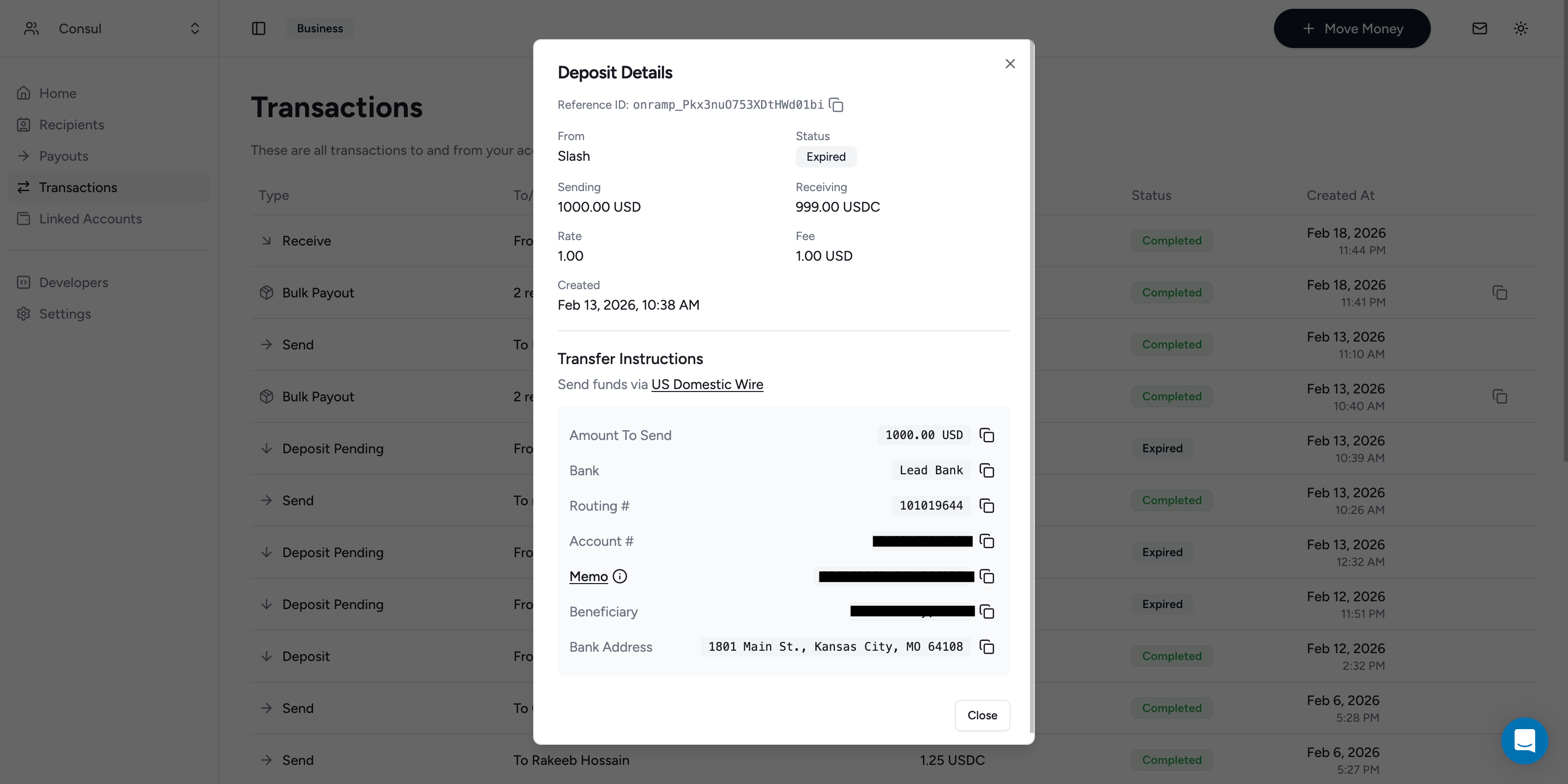
Wait for Deposit Webhook
Once the deposit completes, you’ll receive an email notification. For automated flows, listen for thedeposit.updated webhook event. The funds are now available for payouts.
Send a Payout
To issue a payout from the dashboard, create a new payout and select the recipients you want to pay. Alternatively, use the Create a Payout endpoint to send USDC to one or more email addresses:processing status.
Listen for the payout.updated webhook to confirm completion.
Automating Pre-Funding
The flow above requires a manual deposit. See Pre-Funding Flows for automated pre-funding options.What’s Next
Payouts
Learn more about sending payouts
Webhooks
Receive real-time notifications for payout lifecycle events
API Reference
Explore the full API
Pre-Funding Flows
Manage pre-funding flows for your payout balance